By: Money Navigator Research Team
Last Reviewed: 02/02/2026
 FACT CHECKED
Quick Summary
If you want to accept in-person contactless card payments with Tide, Tap to Pay on iPhone turns a compatible iPhone into the “terminal”, while the Tide card reader is a dedicated device designed for counter-style or repeated in-person payments.
The practical differences come down to: hardware (and who needs it), per-transaction fee structure, how PIN entry is handled for higher-value transactions, and what’s easiest to run day-to-day (single operator vs multiple staff, fixed location vs mobile work).
This article is educational and not financial advice.
What each option actually is
Tide card reader (dedicated hardware)
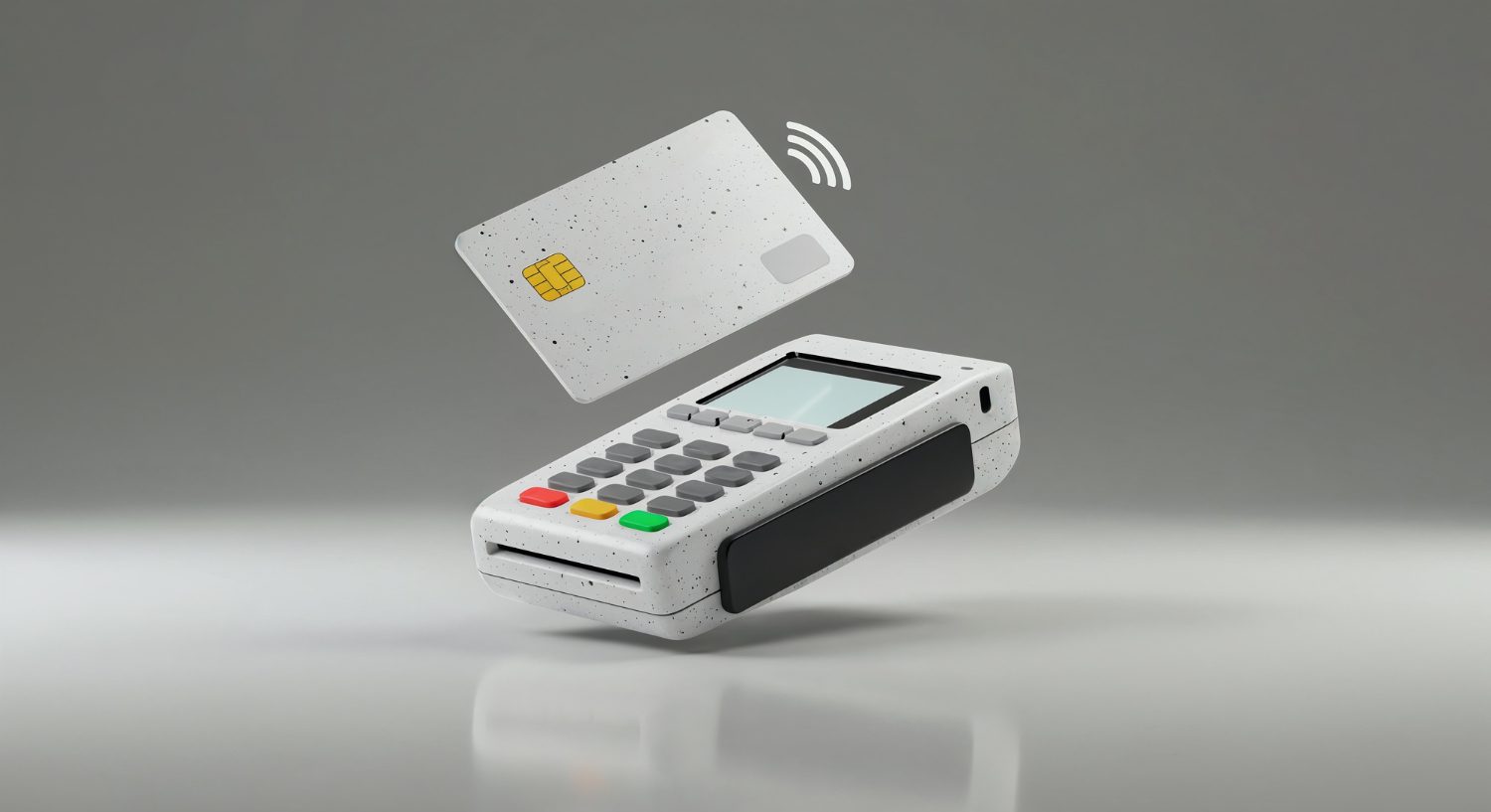
A card reader is a purpose-built payment terminal. The customer taps (or inserts) their card and, when required, enters their PIN on the reader. This tends to be the most familiar “card machine” experience for in-person payments.
Tide publishes its current card reader device options, pricing and fee examples on its own pages, including Tide Card Readers | Card readers for small businesses and Help Centre – Tide Card Reader.
Tap to Pay on iPhone (phone-as-terminal)
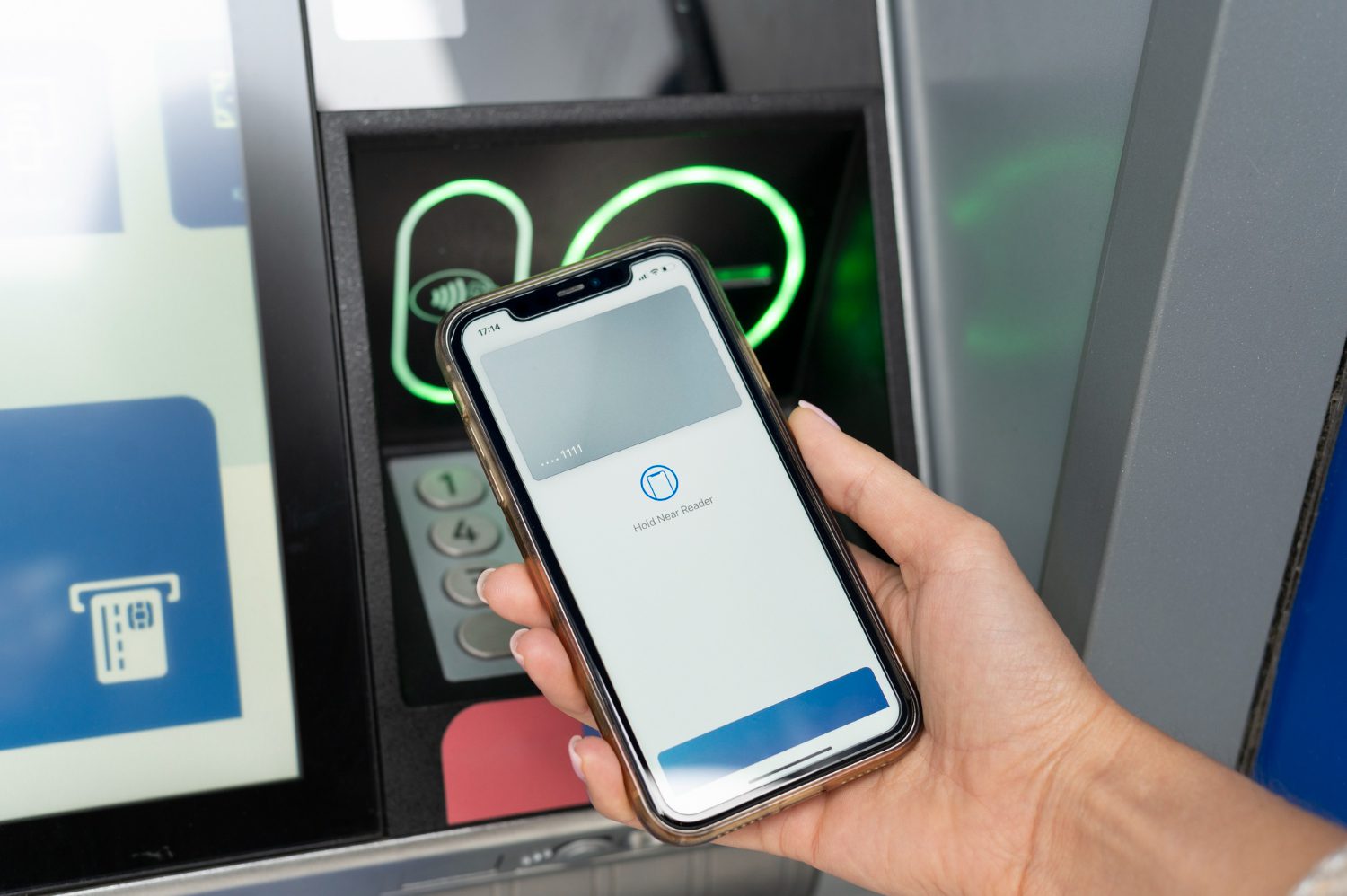
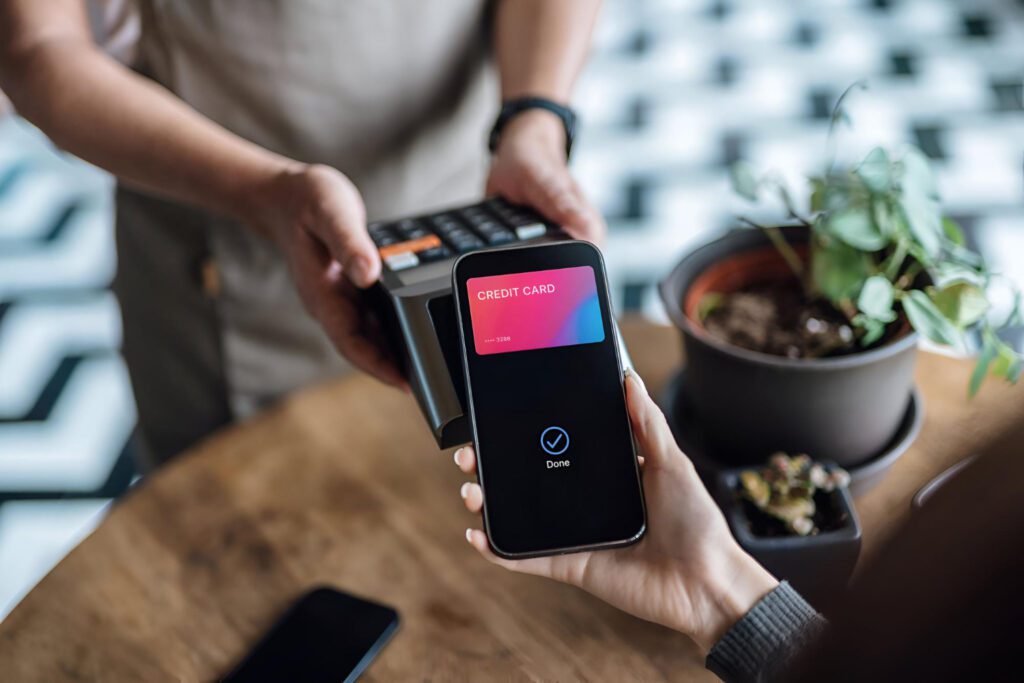
Tap to Pay on iPhone is still an in-person, contactless acceptance method – but the “terminal” is your iPhone. A customer taps a physical card or digital wallet to the phone, and the transaction runs through Tide’s payment acceptance flow.
This is an Apple capability that payment providers can enable inside their apps. Apple describes Tap to Pay on iPhone (including compatible device requirements) on Tap to Pay on iPhone. Tide’s own overview is on What is Tap to Pay on iPhone? | Tide Business.
Limits: the difference between “contactless limits” and provider limits
“Limits” are often conflated, but in practice there are usually two different constraint types:
Cardholder / issuer-side contactless controls
Banks (and sometimes cardholders via their bank settings) may enforce contactless limits, step-up checks, or prompts for PIN entry. Historically, the UK’s widely-known per-transaction contactless cap has been £100, as described by UK Finance in Contactless limit to increase to £100 from 15 October. More recently, Financial Conduct Authority has outlined a move towards greater flexibility for firms to set future contactless limits, subject to fraud controls, in Greater flexibility to be given for setting future contactless limits.Provider / risk limits inside Tide’s payment flow
Separately, Tide can apply its own minimums/maximums or risk-based caps for particular acceptance methods. For example, Tide states a £1 minimum for Tap to Pay on iPhone and notes a maximum may apply in What are the minimum and maximum transaction amounts for Tap to Pay on iPhone?.
Why this matters: a “decline” at the till can happen because the customer’s bank blocks contactless, because a PIN step-up is required, or because the provider’s risk controls restrict a specific transaction pattern. Those are different root causes with different operational consequences.
For a Tide-specific walkthrough of the “what happened?” flow when Tap to Pay declines, see Tap to Pay on iPhone with Tide declines: common causes and checks.
Fees: hardware cost vs per-transaction cost (and why structure matters)
1) Upfront device cost (card reader) vs “bring your own iPhone” (Tap to Pay)
With a card reader, there is usually either:
an upfront purchase cost for the terminal, or
a rental model (sometimes with minimum terms), depending on the plan.
Tide publishes current device and plan examples on Tide Card Readers | Card readers for small businesses and Help Centre – Tide Card Reader. Our deep-dive on how “from” pricing, warranties and ongoing charges are presented is in Tide Card Reader Pricing: purchase costs, warranty and ongoing charges.
Tap to Pay on iPhone typically removes the extra terminal – but it doesn’t remove the need for a compatible iPhone, and it doesn’t remove card processing fees.
2) Transaction fees: percentage + fixed pence can differ by method
Card-present fee tables often combine:
a percentage (e.g., 0.xx%), and
a fixed fee per transaction (e.g., x pence).
Tide shows different transaction fee lines for card reader vs Tap to Pay on iPhone in its published tables (and these can vary by plan/offer), for example on Help Centre – Tide Card Reader and on Tap to Pay-specific pages like What are Tide’s transaction fees for using Tap to Pay on iPhone with the Tide app?.
Practical impact: a method with a higher fixed “pence” element can look similar on large tickets, but feel meaningfully different on small tickets (coffee, single services, add-ons), because the fixed component is a larger share of the sale.
3) Optional payout speed and membership interactions
Some payment providers offer a paid add-on for faster settlement (e.g., next business day) versus standard timings. Tide references this kind of “pay to accelerate settlement” option on its card reader page in Tide Card Readers | Card readers for small businesses.
Because pricing and settlement options can change, it’s usually more reliable to treat the published tables and product pages as the source of truth at the time you’re checking, and to separate:
membership fees for the business account, from
fees for card acceptance, from
fees for faster settlement.
Card payments are not “instant bank transfers”. Even when a payment is accepted, the operational stages typically look like:
Authorised: the customer’s bank approves the transaction.
Settled: the card scheme/acquirer completes settlement.
Available: funds are released into the merchant’s available balance per the provider’s timetable and risk controls.
This is why two in-person payments can “look successful” at the point of sale, yet become available at different times – particularly if a provider applies risk checks, holds, or reserves after the fact.
For a Tide-specific breakdown of what “authorised/settled/available” means in the app for Tap to Pay, see Tap to Pay on iPhone with Tide payout timing: authorised, settled, available.
Summary Table
| Scenario | Outcome | Practical impact |
|---|---|---|
| You already have a compatible iPhone and need to take the odd in-person payment | Tap to Pay can work without buying a separate terminal | Fewer moving parts, but the phone becomes a payment device you must keep charged, secure and available |
| You take frequent counter payments (busy periods, queues) | A dedicated reader can be quicker to present, tap, PIN, and move on | Reduced “handoff” friction vs using a phone screen as the payment interface |
| You sell on-the-go (call-outs, markets, pop-ups) | Tap to Pay reduces extra hardware to carry | Easier deployment, but depends on iPhone compatibility and your in-the-moment operating conditions |
| Higher-value tickets where PIN step-up is more likely | Both methods may require PIN depending on card/issuer controls | Plan for what happens when PIN is required (screen-based vs reader keypad) |
| Multiple staff taking payments | A reader can be shared, or multiple devices may be needed | The “device model” (one shared terminal vs multiple phones) becomes an operational decision, not just a pricing one |
| You want faster settlement options where available | Add-ons may exist depending on Tide product/plan | It changes cash-flow timing, not the underlying card scheme settlement mechanics |
Summary Table
| Level | Decision point | Tap to Pay on iPhone (typical mechanics) | Tide card reader (typical mechanics) |
|---|---|---|---|
| Scenario-level | Where do payments happen? | Designed for mobility; the phone is the acceptance device | Designed for repeat in-person use; terminal-led experience |
| Scenario-level | Who needs to take payments? | Often implies “who has the phone” and whether it’s dedicated to taking payments | Often implies “who has the terminal” and where it’s stored/charged |
| Process-level | How is the customer interaction handled? | Customer taps card/wallet to iPhone; PIN entry (when required) is handled on the phone interface | Customer taps/inserts; PIN entry happens on the reader keypad |
| Process-level | What happens when a transaction hits a limit or control? | Declines may reflect issuer contactless controls or provider risk limits | Similar issuer controls apply, but the user experience differs (terminal messaging vs phone messaging) |
| Outcome-level | What tends to drive total cost? | No extra terminal, but per-transaction fee structure can differ | Terminal costs may apply; per-transaction fee structure can differ |
| Outcome-level | What tends to drive operational reliability? | Phone battery, OS/app state, and safe handling of a “multi-purpose” device | Dedicated hardware, predictable workflow, fewer competing device uses |
Disputes: refunds, chargebacks, and what “evidence” can mean
Refunds and chargebacks are distinct:
Refunds are initiated by the merchant (you) through the provider’s tools, typically referencing the original payment.
Chargebacks are initiated by the customer through their bank/card provider (under card scheme rules), and the merchant may be asked to provide evidence.
Financial Ombudsman Service provides a plain-English explanation of chargeback as a process customers can ask their bank to run (where applicable) in Problems with goods and services: section 75 and chargeback.
Why it matters in a “card reader vs Tap to Pay” comparison: both acceptance methods can still result in disputes because they are both card payments. The practical difference is less about the dispute existing and more about operational record-keeping – e.g., capturing customer acknowledgement, retaining receipts/booking confirmations, and keeping a clear audit trail that matches the payment reference.
For adjacent Tide-specific context on how card payment tools sit alongside other acceptance methods, see Tide business banking review.
Tide Business Bank Account
Tide combines a business account with optional payment acceptance tools, including card reader products and Tap to Pay on iPhone features. The business account layer (membership, account access, and banking features) is separate from the card acceptance layer (transaction fees, settlement timing, and payment tooling), even though both are surfaced inside the app.
For a neutral overview of how Tide positions its business account and related features, see our Tide business banking review.
Frequently Asked Questions
Tap to Pay on iPhone removes the separate terminal, but it doesn’t remove the card payment rails. It still involves card scheme processing, provider risk controls, and settlement timing – the difference is the phone becomes the acceptance interface.
That interface shift changes day-to-day operations: battery dependence, how PIN entry is handled, and whether the device is “multi-purpose” (personal/work phone) or effectively dedicated to taking payments.
Tap to Pay on iPhone is designed for in-person contactless acceptance – the customer taps a physical card or a digital wallet to the phone. In that sense, it sits closer to card-present flows than to remote e-commerce payments.
However, “card-present” labels and fraud/dispute handling can still depend on scheme rules and the acquirer/provider setup. That’s why the evidence requested in disputes often focuses on what happened at the point of sale (what was agreed, what was delivered, what proof exists), not only on the acceptance device used.
There can be issuer-side controls (the customer’s bank/card settings) and provider-side controls (Tide’s own minimum/maximum limits or risk thresholds). Those are separate, and either can be the limiting factor.
Tide states a £1 minimum for Tap to Pay on iPhone and notes that a maximum may apply. It also notes that contactless card payment limits are set by banks and can involve PIN entry above typical thresholds.
For the operational “why did this decline?” path, the most useful approach is usually to separate issuer contactless controls from provider limits, because the resolution steps are different.
They can be different – and “higher” depends on your ticket size and fee structure. Providers often publish separate fee lines (percentage + fixed pence) for different acceptance methods, and the fixed element can make small-ticket economics look quite different even if the percentage is similar.
The cleanest way to compare is to look at the published fee table for the specific Tide product/plan you’re using, then model the fee impact on your most common basket size (many small transactions vs fewer large ones).
They can. Even when two payments are accepted at the point of sale, the “available balance” timing can differ based on settlement cycles, provider timetables, and any risk checks applied after authorisation.
If you need the terminology to interpret what you see in-app (authorised vs settled vs available), it helps to map each stage to what’s happening operationally rather than assuming “accepted” means “cash in the bank”.
Yes, sometimes. PIN entry can be required when issuer-side contactless controls trigger a step-up (often for higher values or after cumulative contactless usage), or when other risk controls apply.
The practical difference is the interface: a card reader uses a dedicated PIN pad; Tap to Pay uses a phone-based PIN entry flow. Operationally, that can affect queue speed, accessibility considerations, and how comfortable staff and customers feel with the process in busy environments.
Refunds usually reference the original transaction, and the provider’s tooling governs what can be done (full vs partial refunds, timing, and how it appears to the customer). The acceptance method matters less than the underlying transaction record and the provider’s refund workflow.
Where merchants notice differences is often record-keeping: ensuring the refund can be matched cleanly to an invoice/booking, and understanding how long the customer’s bank may take to reflect it. Those timelines are not fully controlled by the merchant.
Not necessarily. A decline can be caused by issuer-side controls (contactless disabled, PIN required, fraud checks) even when funds exist, or by provider-side limits and risk checks. It can also be caused by device/app conditions (e.g., app state) rather than the customer’s balance.
That’s why it’s useful to have a “fallback” acceptance method available (another payment type or another tool), and why troubleshooting guides tend to focus on categorising the decline rather than assuming it’s purely affordability-related.
Both are card payments, so both can be disputed. The likelihood of a chargeback is usually driven more by the nature of the sale (delivery disputes, misunderstanding of terms, cancellation/refund handling, evidence quality) than by whether the merchant used a phone or a terminal.
What changes in practice is how consistently evidence is captured and stored. Clear receipts, documented fulfilment, and transparent customer communication reduce ambiguity if a dispute is raised later – regardless of acceptance method.
It’s often the operational model: who takes payments, how many devices are needed, and what happens in peak moments (queueing, staff handoffs, battery management, device access control). Those day-to-day frictions can matter as much as the headline fee table.
A comparison is most meaningful when it’s anchored to the realities of your payment flow: typical ticket size, frequency, location, staffing, and what happens when something goes wrong (declines, refunds, disputes, or delayed availability).
Both products ultimately sit on the same core constraint: card payments are a multi-party chain (customer bank, card scheme, acquirer/payment provider, and the merchant’s account). Your “device choice” changes the user experience at the front of that chain, but it doesn’t remove the chain itself.
That’s why the most reliable comparison isn’t “phone vs terminal” in isolation. It’s whether the acceptance method matches your operating conditions and whether you understand the specific places where friction emerges: issuer-side contactless controls, provider risk limits, and settlement/availability timing. Once those are separated, “limits, fees and use cases” become much easier to evaluate without surprises.
Related Content