By: Money Navigator Research Team
Last Reviewed: 19/02/2026
 FACT CHECKED
Quick Summary
Tap to Pay on iPhone with Tide turns a compatible iPhone into a contactless payment acceptance device inside the Tide app. In practice, “set-up” is mostly about enabling the feature, linking the required Apple ID and accepting the relevant terms, then taking payments through Tide’s Sales flow.
Fees and limits are not a single universal number. Tide publishes more than one fee schedule depending on how you access the feature (for example, a pay-as-you-go style rate versus a subscription with different rates), and limits depend on a combination of Tide’s own controls (including possible maximums for fraud prevention) plus the customer’s card and issuer rules (including when PIN is required).
This article is educational and not financial advice.
What “Tap to Pay on iPhone with Tide” actually is
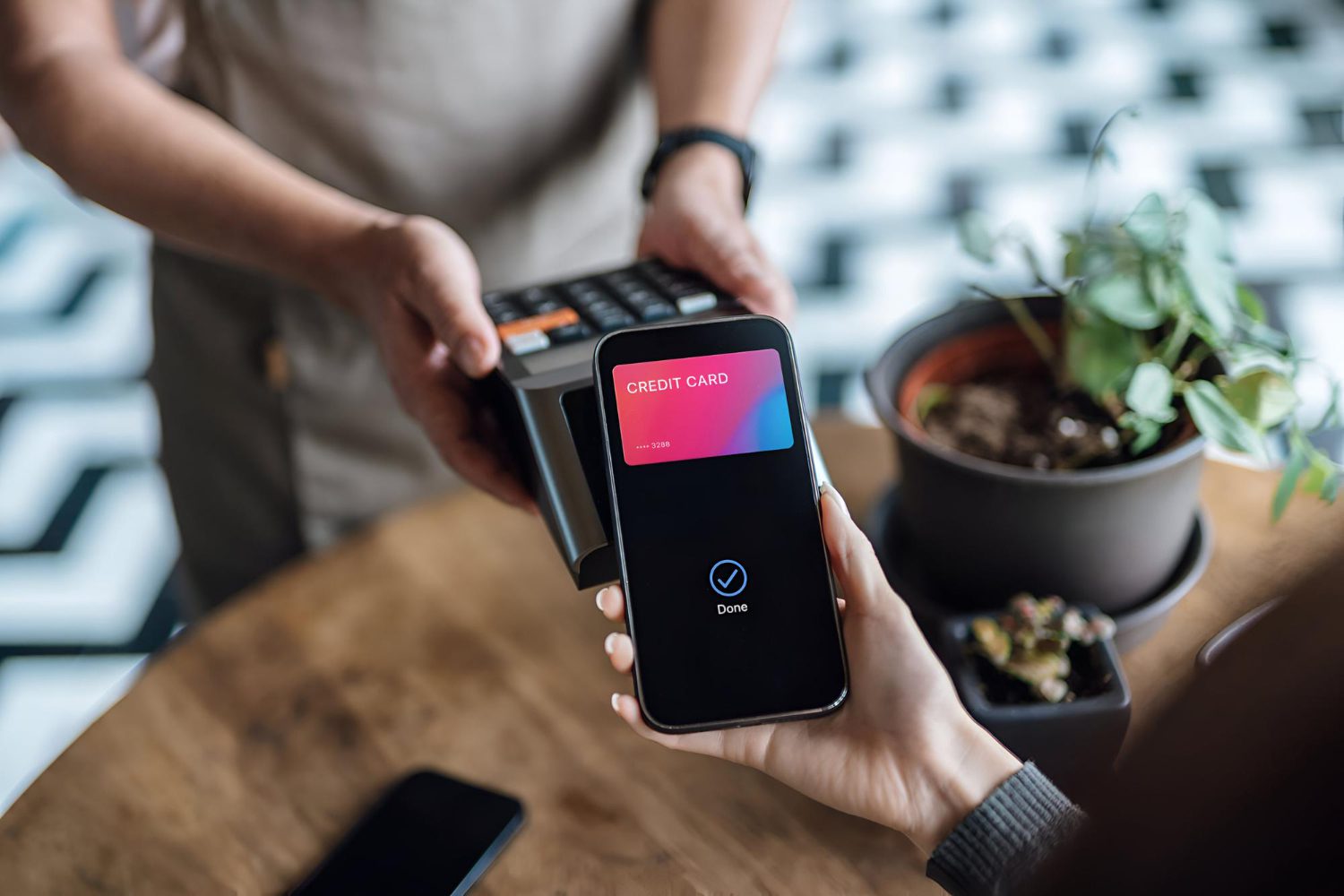
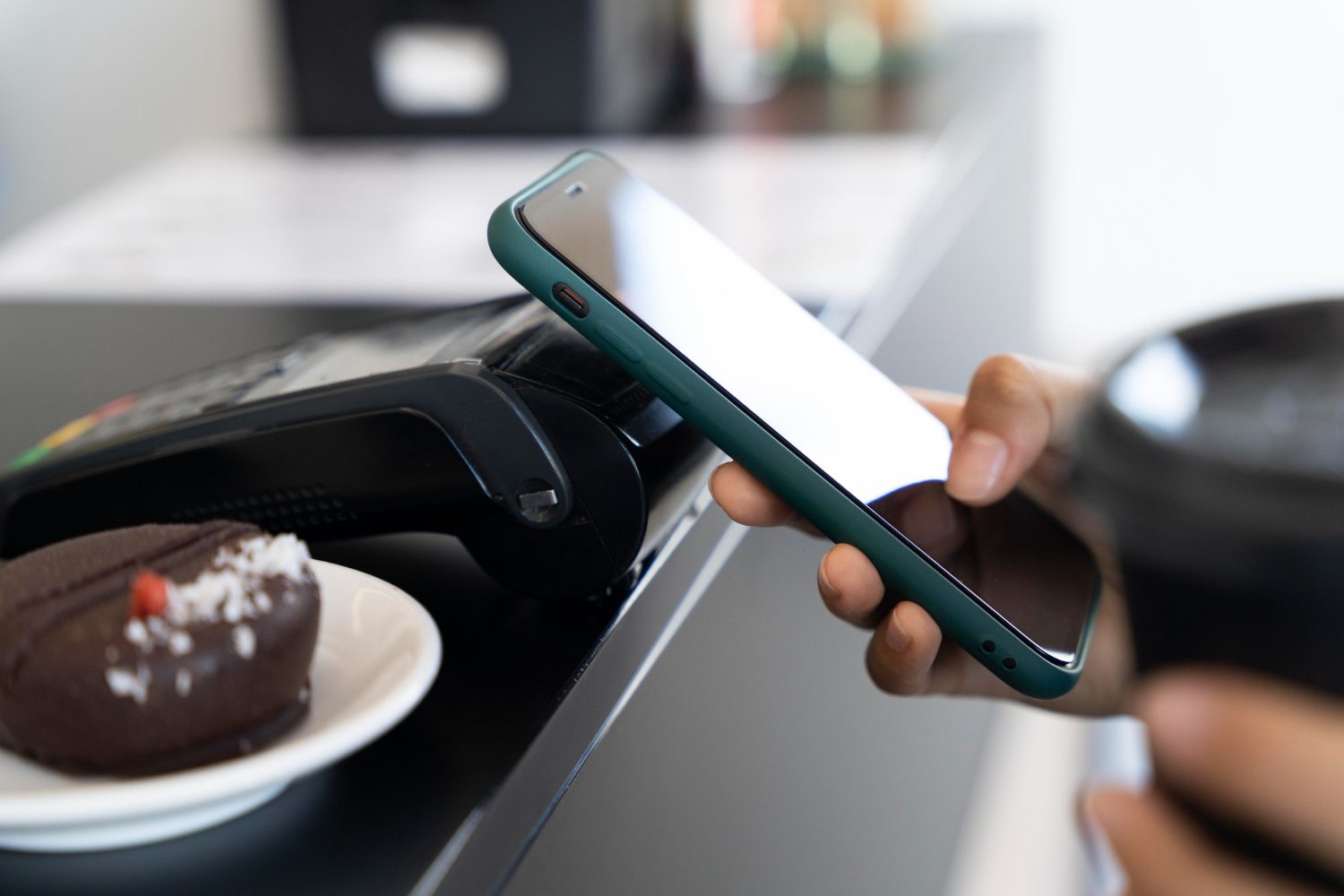
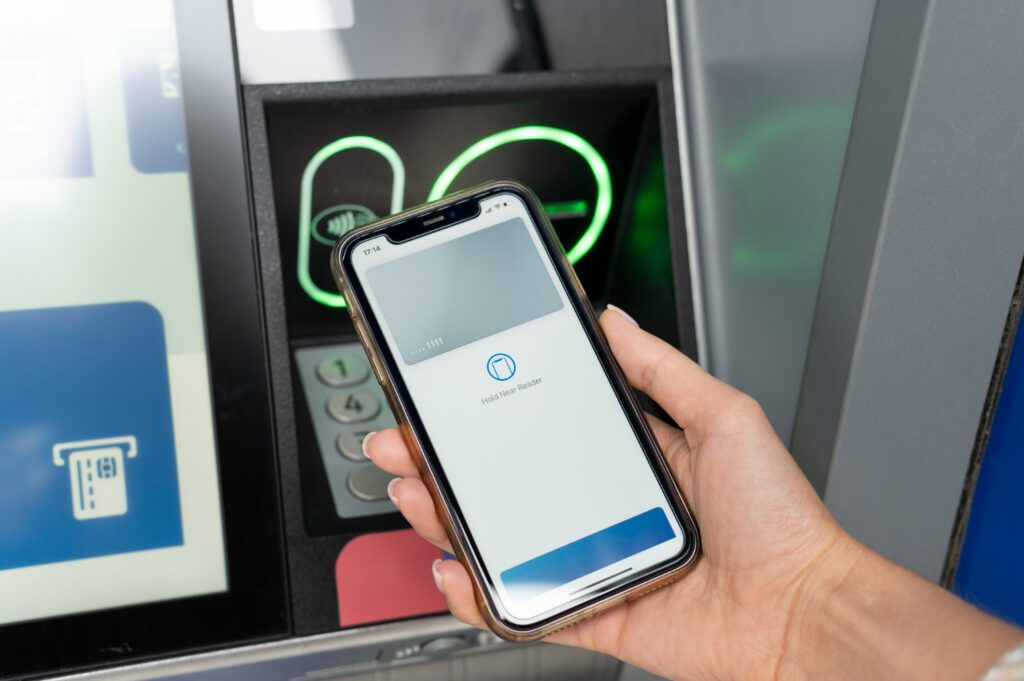
Tap to Pay on iPhone is a way to accept in-person, card-present contactless payments using an iPhone (rather than a separate card reader). Tide positions this as part of its “get paid” tools, alongside remote payment methods like Payment Links and Instant Checkout.
That distinction matters for expectations:
Tap to Pay on iPhone (in person): customer taps a physical card, phone or watch at the point of sale.
Payment Links / Instant Checkout (remote): customer pays online via a link or checkout flow (covered separately in our guides, such as Tide Payment Links explained: How they work and what payer sees).
Eligibility and device requirements
Tide’s Tap to Pay feature is only available on iPhone at the moment (Tide says Android support is being worked on), and access can be limited based on factors such as the nature of your business or region of operation.
You can see Tide’s current position in its help content: Am I eligible for Tap to Pay on iPhone with Tide? and Is Tide's Tap to Pay feature available only on iPhone?.
On device support, Tide’s product page describes using iPhone XS or later and lists a minimum iOS requirement (presented as iOS 16.7+ on Tide’s marketing page): Tide Tap to Pay on iPhone.
Apple’s UK newsroom announcement describes Tap to Pay on iPhone as available on iPhone XS or later (with a compatible iPhone and software requirements): Tap to Pay on iPhone comes to the UK.
Set-up in the Tide app
Tide’s support and help-centre content describes a set-up flow that typically includes:
Updating the Tide app (so Tap to Pay appears as an option).
Entering the in-person payments area in-app (for many users, this is under Sales / Take a payment).
Linking/signing into the required Apple ID and accepting the terms shown in-app.
Taking a test payment if available, then issuing receipts and tracking settlements via the Sales / Performance / Settlements area.
Tide sets out the basic “how to accept payments” steps here: How can I accept payments with Tap to Pay on iPhone?. Tide’s broader help-centre guide adds additional operational notes (for example around the Apple ID link and terms acceptance): Using Tap to Pay.
Operational constraint to note: Tide explicitly states Tap to Pay on iPhone payments cannot be processed offline, so an internet connection is part of the transaction path: How can I accept payments with Tap to Pay on iPhone?.
How payments are processed and where the money goes first
A common point of confusion is whether Tap to Pay proceeds “arrive instantly” in the business account.
Tide describes the processing chain as involving a payment processing account (a “merchant account”) held and operated in connection with its acquiring/processing partner.
Tide explains it has partnered with Adyen, and that the funds are collected and recorded in a processing account before being processed and then sent to the Tide business account: How are payments made with Tap to Pay on iPhone processed?.
Tide also links to the relevant Adyen platform terms applying to that merchant account and processing: Adyen for Platforms Terms & Conditions.
If you want a plain-English view of these “chains” (merchant account vs stored balance vs bank balance), the same mechanism is explained more broadly in our guide: Merchant account vs EMI balance vs bank balance: the payments chain.
When settlements arrive in the Tide business account
Tide states that Tap to Pay on iPhone payments are received into the Tide business account within 3 business days: When will I receive my payments taken using Tap to Pay on iPhone?.
Tide’s marketing page also describes settlement timing in working-day terms (presented as a range), which reinforces that settlement is not always “same day”: Tide Tap to Pay on iPhone.
If you’re comparing different Tide “get paid” methods, our separate timing guide for remote links may help frame the difference in settlement and availability concepts: Tide Payment Links settlement times: when funds become available.
Summary Table
| Scenario | Outcome | Practical impact |
|---|---|---|
| Tap to Pay enabled and payment accepted | Transaction is authorised and recorded in Tide’s Sales area | Receipt can be issued; reconciliation starts from Sales/Settlements rather than the current account feed alone |
| Customer taps above typical contactless threshold | PIN screen may be prompted (or transaction may be declined by issuer limits) | Staff flow changes (PIN entry) and “declined” can be issuer-driven, not necessarily a Tide outage |
| Payment exceeds Tide-applied maximum (fraud controls) | Tide app notifies that the amount is above the maximum and suggests another method | A card reader or a payment link may be required for that specific transaction |
| No connectivity at the point of sale | Payment cannot be processed | Operational resilience depends on having working connectivity during trading |
| Refund initiated in Tide | Refund is requested from Sales/Settlements; processing time varies by flow | Customer experience depends on card network/issuer timing; back-office needs a refund audit trail |
Fees: what Tide publishes (and why you may see more than one number)
For “fees”, the crucial point is that Tide publishes multiple fee schedules depending on product packaging (for example, a simple “per transaction” rate vs a subscription that changes transaction rates).
1) Tide’s Tap to Pay on iPhone support page fee (per-transaction percentage)
Tide states that using Tap to Pay on iPhone with the Tide app carries a 1.65% fee per transaction, with no initial or monthly fees (and it says this includes domestic and international payments): What are Tide’s transaction fees for using Tap to Pay on iPhone with the Tide app?.
2) Tide’s “Sell In-Person” / “Pay As You Go” fee table (percentage + fixed pence)
Tide’s help-centre and marketing materials also show an alternative structure that combines a percentage plus a fixed pence amount, and may include a monthly subscription for one tier. You can see this in:
These tables also explicitly note that the displayed rates relate to UK domestic consumer debit cards, and that other card types can be treated differently in the underlying terms.
A practical way to interpret this without guesswork
Rather than assuming a single “true fee”, it’s more accurate to treat Tide’s published fee schedules as product-specific.
In practice, the applicable rate is the one shown for the specific Tap to Pay setup and tier you’re using in the Tide app and related pricing documentation.
If you’re benchmarking across Tide payment tools more broadly (remote links vs in-person), the fee concepts are compared in our separate guides like Tide Payment Links fees: transaction charges, timing, statement labels and Tide Instant Checkout fees & transaction charges: what isn’t included.
Transaction limits and PIN prompts
Tide describes limits at two layers:
1) Tide-side limits (minimum and possible maximum)
Tide states:
Minimum amount: £1
Maximum amount: may be applied as part of fraud prevention (with in-app notification and guidance to use another method if exceeded)
Source: What are the transaction limits for Tap to Pay on iPhone with Tide?.
2) Customer-side limits (issuer rules, contactless thresholds, and PIN capability)
Tide explains that contactless limits are set by banks/issuers, and it references a UK “standard limit” for individual contactless payments of £100, with transactions above this potentially allowed with PIN entry: What are the transaction limits for Tap to Pay on iPhone with Tide?.
Tide also adds nuance that matters operationally:
Tap to Pay can prompt a PIN entry screen when required, and the iPhone is designed to prevent background apps and screen capture features from capturing card number or PIN data.
Some banks and issuers can limit PIN-entry transactions over £100 (Tide notes this can happen, especially for cards on the Visa network), which can lead to declines even if the merchant side is functioning.
Payments made with digital wallets may not require PIN authorisation regardless of amount.
Source: Will Tap to Pay on iPhone require your customers to enter their PIN?.
Tide’s marketing page also frames a “with PIN” ceiling (presented as up to £5,000), but that sits alongside the issuer-limitation point above; in other words, the practical maximum is often determined by the customer’s issuer rules in addition to Tide’s own controls: Tide Tap to Pay on iPhone.
Scenario Table
| Scenario-level | Process-level | Outcome-level |
|---|---|---|
| Payment approved, no PIN | Contactless authorisation > recorded in Sales/Settlements > settlement cycle | Funds arrive to the Tide business account within the stated settlement window |
| Payment approved, PIN required | PIN entry screen prompts > authorisation continues | Sale completes, but checkout flow is longer and staff interaction changes |
| Decline above £100 | Issuer rejects due to issuer rules / PIN limitations | “Declined” can be issuer-driven; alternative acceptance method may be needed |
| Tide maximum triggered | Tide controls prevent taking the amount via Tap to Pay | App prompts that the limit is exceeded; different method required for that transaction |
| Refund requested | Refund initiated from Sales/Settlements | Customer receives funds after network/issuer processing time; refund remains traceable in-app |
Tide Business Bank Account
Tide’s account offering can involve different underlying account structures depending on the product and setup, while the Tap to Pay flow described above is tracked in Tide’s Sales/Settlements area and then settles into the Tide business account over time.
A wider overview of Tide’s business account proposition (plans, pricing positioning and how the account is presented) is covered here: Tide business account review.
Frequently Asked Questions
Tide indicates eligibility can be limited, including based on the nature of the business and where it operates. That implies some businesses may not see the feature immediately, even if they have a Tide account.
Tide’s own support pages are the most reliable indicator of the current approach, because they are updated as product access changes. See Am I eligible for Tap to Pay on iPhone with Tide? for the wording Tide currently uses.
Tide’s Tap to Pay feature is described by Tide as iPhone-only at present, with messaging that Android support is being worked on. That makes this feature distinct from some other “tap to accept” products in the market that are multi-platform.
Where that matters operationally is staff devices and contingency planning: if trading depends on Tap to Pay, device availability becomes part of operational resilience. Tide’s current statement is here: Is Tide's Tap to Pay feature available only on iPhone?.
Tide’s marketing page describes Tap to Pay on iPhone as working on iPhone XS or later, and it lists an iOS minimum in its current wording. That is the most direct Tide-specific reference for device requirements: Tide Tap to Pay on iPhone.
Apple’s UK newsroom announcement also frames Tap to Pay on iPhone availability around iPhone XS or later, alongside the broader Apple ecosystem requirements and rollout context: Tap to Pay on iPhone comes to the UK.
Tide describes partnering with Adyen and explains that money is held in a payment processing account (referred to as a “merchant account”) used to collect and record payments before processing and sending the funds to the Tide business account.
This clarifies that Tap to Pay proceeds may not be the same thing as “an inbound bank transfer” arriving instantly.
This also explains why Sales/Settlements views and settlement timing matter for reconciliation.
Tide’s explanation is here: How are payments made with Tap to Pay on iPhone processed?, and Tide references the processing terms here: Adyen for Platforms Terms & Conditions.
Tide states Tap to Pay on iPhone payments are received into the Tide business account within 3 business days. That’s the cleanest “headline” settlement expectation Tide publishes for the feature: When will I receive my payments taken using Tap to Pay on iPhone?.
It’s also common to see different phrasing elsewhere (for example, a working-day range) which typically reflects how settlement can vary with weekends, banking cut-offs, and network/processor timing. Tide’s marketing page presents that “working-day” framing here: Tide Tap to Pay on iPhone.
Tide’s support page for Tap to Pay on iPhone with the Tide app states a 1.65% fee per transaction with no initial or monthly fees, and it says this includes domestic and international payments. That statement is here: What are Tide’s transaction fees for using Tap to Pay on iPhone with the Tide app?.
Separately, Tide’s help-centre and product pages also show fee tables that combine percentage + pence and may include a monthly subscription for one tier, with an explicit note that the displayed rates relate to UK domestic consumer debit cards.
Those are here: Using Tap to Pay and Tide Tap to Pay on iPhone. In other words, “the fee” depends on the specific packaging and card type being referenced.
Tide states the minimum amount that can be taken using Tap to Pay on iPhone with Tide is £1. Tide also says it may apply a maximum limit as part of fraud prevention, and that the app will notify you if a payment exceeds that limit and suggest another method if available.
The most direct statement is Tide’s limit article: What are the transaction limits for Tap to Pay on iPhone with Tide?. This distinction matters because the “maximum” can be Tide-side (risk controls) as well as customer-side (issuer rules).
Tide states that transactions requiring PIN entry will automatically prompt a PIN entry screen. It also explicitly links PIN entry to exceeding the UK standard contactless limit of £100, or reaching the maximum number of consecutive contactless payments on a card.
Tide adds a practical edge case: some banks and issuers can limit PIN entry for transactions above £100 (Tide references this especially for cards using the Visa network), which can lead to declines even if the merchant device is functioning normally. Tide’s explanation is here: Will Tap to Pay on iPhone require your customers to enter their PIN?.
Tide states that payments made with digital wallets won’t require a PIN code authorisation regardless of transaction amount. That is a materially different behaviour from many physical card contactless journeys, where PIN prompts can be triggered by amount or consecutive contactless usage.
This matters for checkout design: a “tap” using a phone/watch may succeed where a physical card tap might trigger a PIN screen or hit issuer-specific limits. Tide’s wording is in the same PIN article: Will Tap to Pay on iPhone require your customers to enter their PIN?.
Tide states refunds for payments taken with Tap to Pay on iPhone can be initiated from within the Tide app in the Sales/Performance/Settlements area, and it describes refunds as normally processed in 14 business days. The step-path Tide provides is in its refund article: How do I refund payments taken with Tap to Pay on iPhone?.
Tide’s broader in-person payments help content also discusses operational handling and can present different timing language for refunds depending on context and flow, which is one reason “refund time” should be treated as network/issuer-dependent rather than a guaranteed fixed number. That wider guide is here: Using Tap to Pay.
Tap to Pay on iPhone sits at the intersection of device capability, card-scheme and issuer rules, and processor risk controls. That’s why many of the questions businesses ask (“What is the limit?” “Why did £X decline?” “When do I see the money?”) rarely have a single universal answer.
There are effectively three independent “constraint layers” operating at once:
Merchant-side controls: Tide can apply minimums and maximums, including dynamic maximums tied to fraud prevention.
Issuer-side rules: the customer’s bank/card network determines contactless thresholds, consecutive-tap behaviour, and whether PIN entry is supported above specific thresholds.
Settlement mechanics: authorisation is not settlement. Tide describes a processing account/merchant account step before settlement lands in the business account, which makes Sales/Settlements tracking the most accurate operational record of what happened and when.
Understanding those layers is the fastest way to interpret real-world outcomes: approvals, declines, PIN prompts, settlement timing, and refund timelines.
Sources & References
Related Content